Build Your Own Smart Mirror: 55" LCD + Tablet – The Boutique Guide
No technician, no custom hardware: how to build your boutique's smart mirror station yourself in one afternoon – from shopping list to first test run.
01
The shopping list: two devices, done
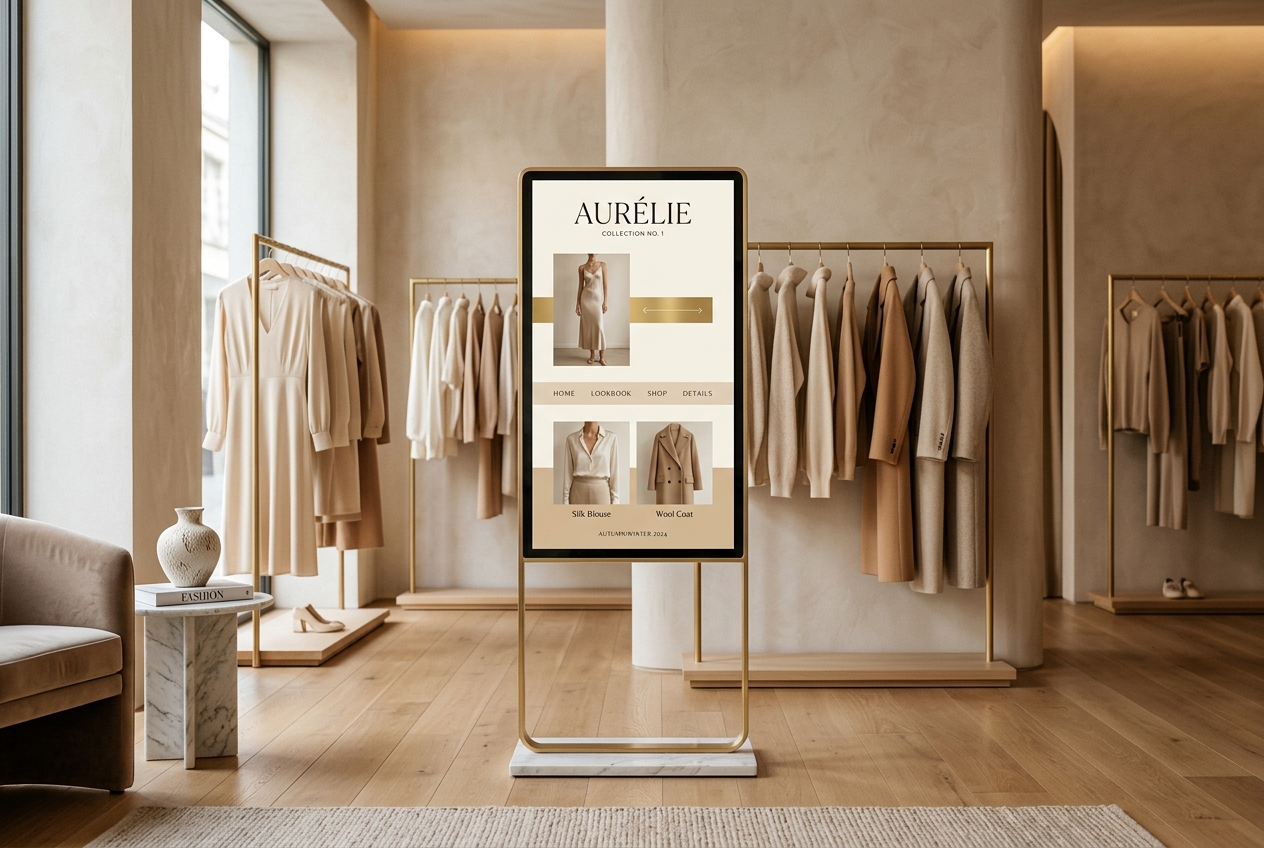
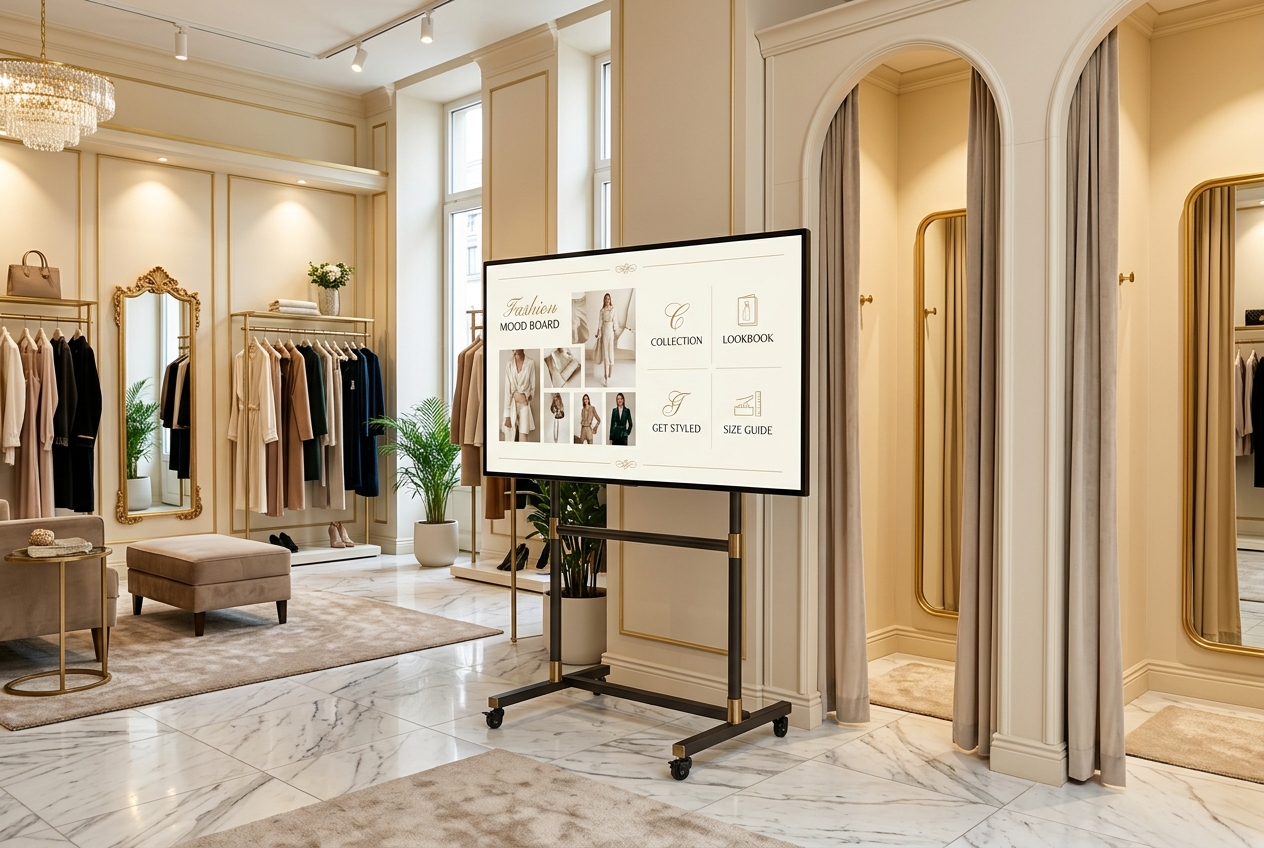
You need exactly two devices: a 55" LCD screen that can be mounted in portrait mode (~CHF 700–900 – check the spec sheet for 'portrait mode' or 'pivot'), and an iPad or Android tablet as the control station (from ~CHF 400; a device you already own works too). Add a wall mount or a floor stand with rotation option. That's it – no built-in camera, no PC, no special glass. The full cost breakdown is on the costs page at mira-mirror.ai/smart-mirror-kosten.
02
The right spot: light beats location
Choose a well and evenly lit area of about 1 × 2 metres, ideally near the fitting rooms – that's where try-on readiness is highest. Important: no direct backlight (avoid a shop window behind the customer) and a power outlet within reach. Practical tip: stand in the spot yourself and take a test photo with your phone – if it looks friendly and clear, the spot works.
«First: mount the display in portrait mode – on the wall (standard VESA mount, any caretaker can do it) or on the floor stand.»
— Mira Mirror Magazine
03
Setup in four steps
First: mount the display in portrait mode – on the wall (standard VESA mount, any caretaker can do it) or on the floor stand. Second: install the Mira app on the tablet and activate kiosk mode so customers can't accidentally leave the app. Third: mirror the tablet screen wirelessly to the large display (AirPlay for iPad, Cast for Android – the screen just needs to support it, or gets a ~CHF 50 streaming stick). Fourth: select rotation mode in the app so the image fills the portrait screen correctly. Test run with the team – done.
04
Capture your collection and go live
Now the collection goes into the app: scan the barcode, take one product photo, done – the AI writes description, colours, and details itself (2–3 minutes per item). Start with your 50 most important pieces and expand over time. For the launch: the novelty is your strongest marketing moment. A window sticker, an Instagram story with the first virtual try-on, and a short note to the local paper – that's all it takes for the AI mirror to become the talk of the town.
Questions fréquentes
Prête pour ton moment miroir ?
Découvrir MiraArticles similaires
Maintenant dans les stores
Emporte Mira sur ton téléphone.
L'app Mira est maintenant disponible gratuitement sur l'App Store d'Apple et Google Play, en 5 langues. Télécharge-la et commence ta première analyse de style honnête.